Branding
Put your logo and colors on the forms, pages and receipts supporters see.
Settings > Branding sets the logo and the default colors your donation forms and pages start with.
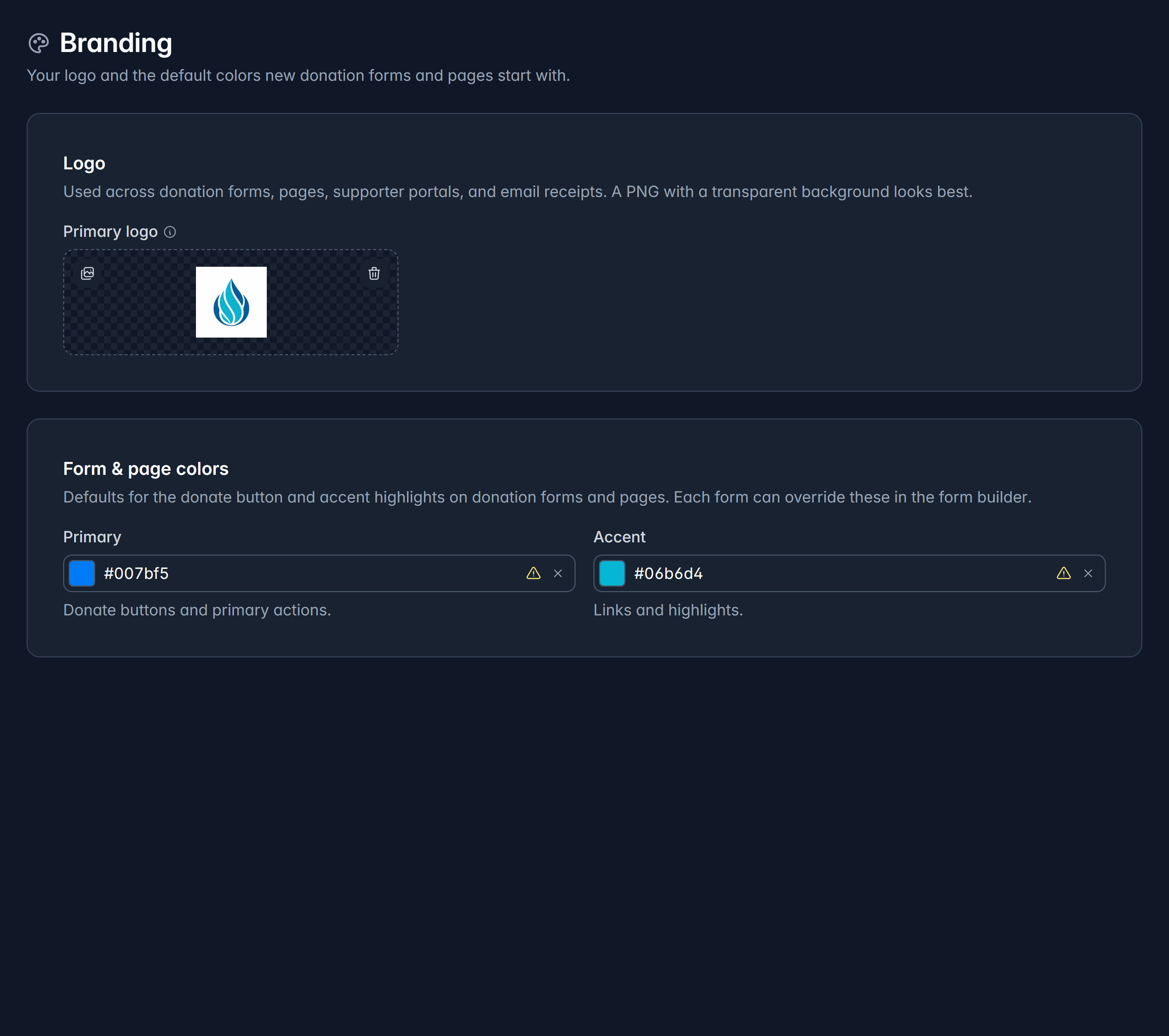
Your logo
Upload a primary logo and it appears across donation forms, pages, supporter portals and email receipts.
A PNG with a transparent background looks best, because it sits cleanly on any color. Givable shows your logo on a checkerboard so you can see whether the background really is transparent.
Your colors
Two colors, each with one job:
- Primary: donate buttons and primary actions.
- Accent: links and highlights.
Givable warns you when a color is hard to read against a light page, which is worth heeding. A donate button nobody can read costs money.
These are starting points
Every form and page inherits these colors, and any form can override them in the form builder. So set the colors your organization uses normally here, and change them per campaign only when a campaign genuinely has its own look.
Your supporter portal has its own branding, under Settings > Supporter portal. This page doesn't control it.
Still stuck?
We're here for you, and no question is too small. Tell us what you were trying to do and what happened, and we'll help you get it sorted.