Pledges
Record a promised gift and track payments against it until it is fulfilled.
A pledge is a promise: $10,000 over three years, or $500 by the end of the campaign. Givable tracks what's promised, what's been paid, and what's still outstanding.
Before you start: you need permission to view pledges, plus permission to create them to add one, and permission to archive them to cancel or write one off.
Create a pledge
New pledge
From Financials > Pledges, select New pledge.
Say who is promising
Commit as a supporter or an account, then pick them.
Set the terms
Name, Currency, Start date, End date and a Description.
Split it across funds
Under Fund allocations, add a line per fund with its Amount and an Expected date. This is what turns a pledge into something you can chase.
Track fulfillment
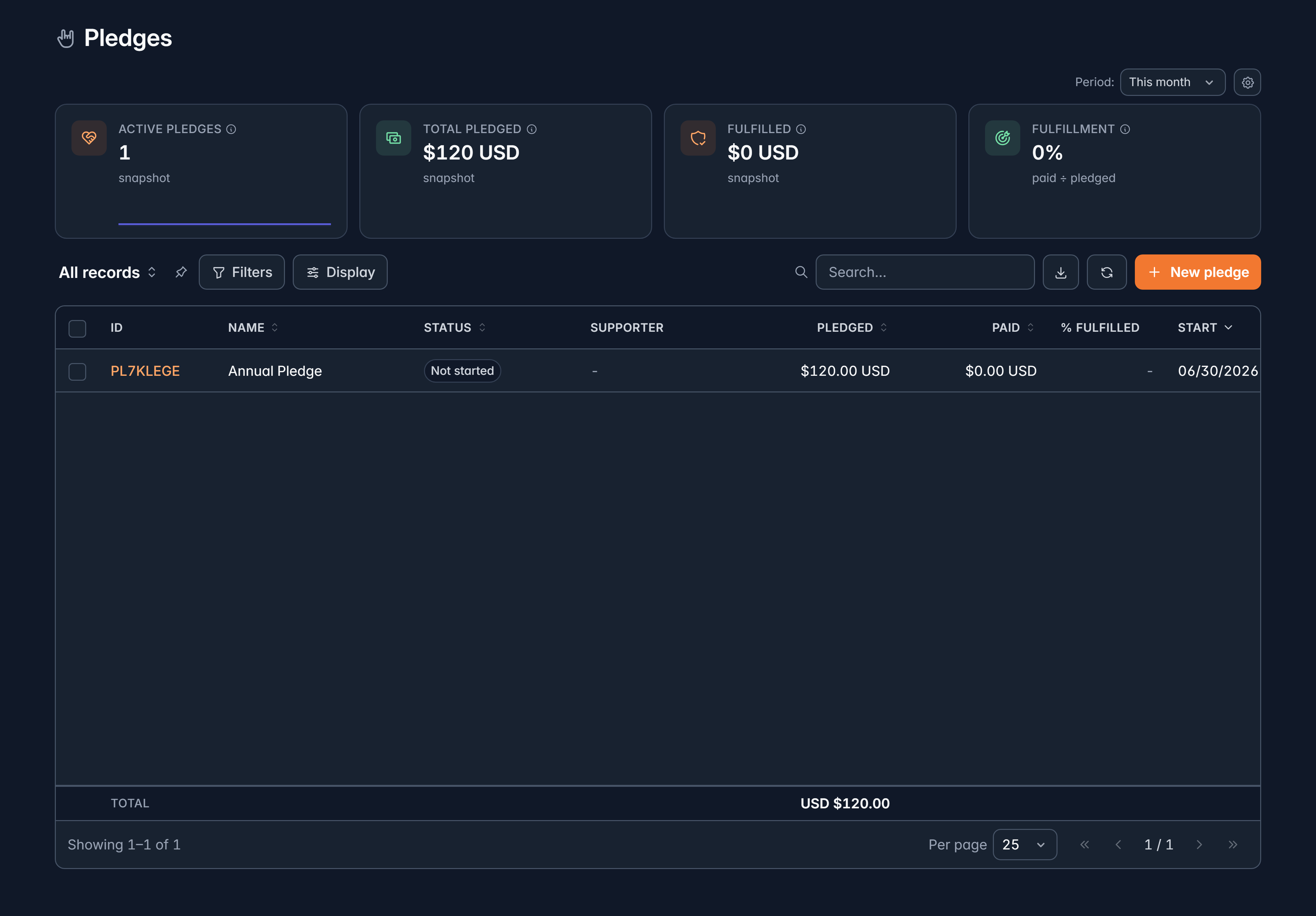
The list shows Pledged, Paid and % fulfilled for each one, with Active pledges, Total pledged, Fulfilled and Fulfillment across the top.
| Status | What it means |
|---|---|
| Not started | Nothing paid yet |
| Partially fulfilled | Some payments applied |
| Fulfilled | Paid in full |
| Canceled | Called off |
| Written off | Accepted as never arriving |
Status is worked out from the payments applied, so it isn't something you set by hand. Apply the payment and the status follows.
Apply a payment
When a payment arrives against the promise, open the pledge and select Apply a payment. Choose the Pledge fund line, the Payment to apply, and how much of it goes here. One payment can be split across several pledge lines.
Cancel or write off
Both are on the pledge page, and both are final:
- Cancel pledge when the promise is called off.
- Write off when you've accepted it won't be paid.
Either way, payments already applied stay where they are, and no more can be applied. A cancelled or written-off pledge is frozen.
Related
Still stuck?
We're here for you, and no question is too small. Tell us what you were trying to do and what happened, and we'll help you get it sorted.