Tax receipts
Find the receipts you have issued, and issue a new one against a payment.
Financials > Receipts is the record of every tax receipt your organization has issued.
Before you start: you need permission to view supporters to see this list, and permission to edit document templates to issue a receipt.
The list
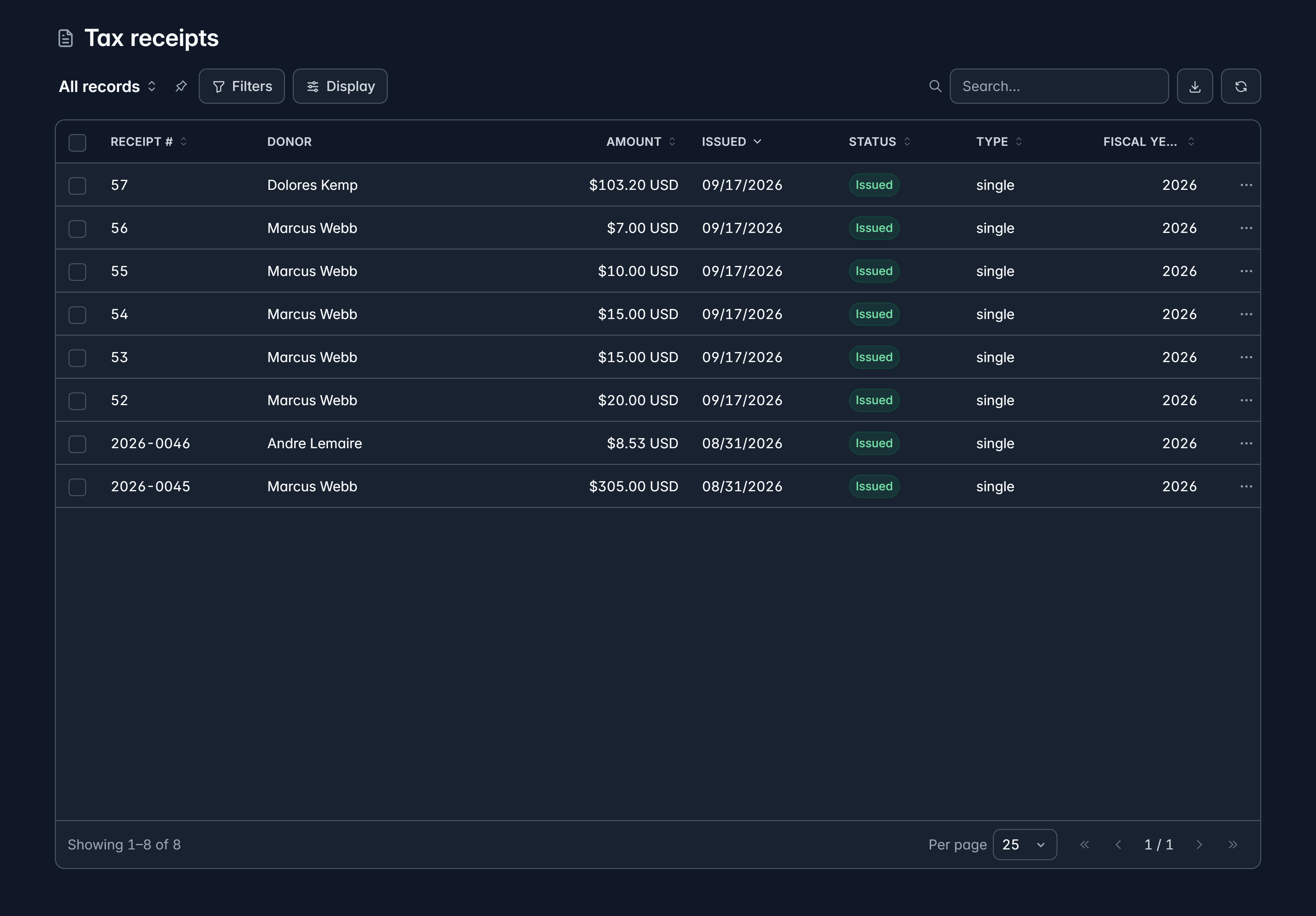
Columns are Receipt #, Donor, Amount, Issued, Status, Type and Fiscal year. Select Download on any row to get the file.
| Status | What it means |
|---|---|
| Issued | Live and valid |
| Voided | Cancelled, and no longer valid |
| Replaced | Superseded by a corrected receipt |
Issue a receipt
Receipts are issued against the payment, not from this list, because a receipt is for money that actually arrived.
Open the payment
Find it under Financials > Payments and open it.
Issue receipt
Select Issue receipt. The download starts on its own when it's ready.
Download it again whenever you need
Once issued, Download receipt on the payment fetches the same file.
Receipts can also go out automatically when a batch of gifts is committed. See Enter a batch of gifts.
Set up your receipting first
Settings > Tax receipting is where you issue year-end receipts for a tax year and download or email the results. Get your receipt template and numbering right there before your first big run, rather than in January.
A donor says their receipt never arrived
Check their email address
Open their supporter record. A typo is the most common cause, and fixing it first means the resend actually lands.
Check the receipt exists
Find their gift and look at the payment. If no receipt was issued, issue one now.
Download and send it yourself
When you need it in their hands quickly, download the file and attach it to an email.
Still stuck?
We're here for you, and no question is too small. Tell us what you were trying to do and what happened, and we'll help you get it sorted.